
WinMix: Nutrient Selection — Updated Search
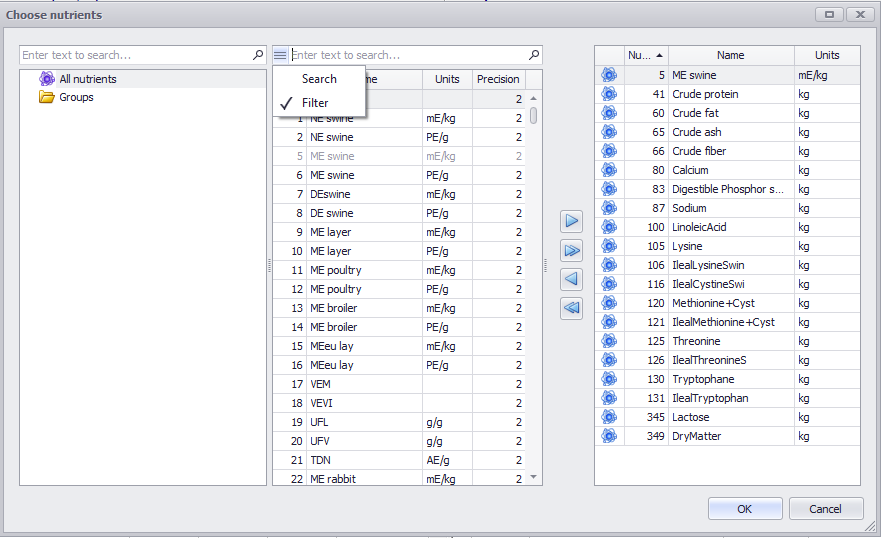
In the Nutrient Selection dialog (Choose nutrients), search works across every column present in the table: name, units, and number.
How it works:
- Open the Nutrient Selection dialog.
- At the top of the window, enter text into the search field.
- If you enter text present in the name of a nutrient, you’ll get all nutrients that contain that text.
- If you enter units (for example, kg or mE/kg), you’ll get all nutrients with those units.
- The search works the same way for the nutrient number.
- To switch back to the classic search without filtering, click the burger button (☰) and select Search. You can switch back to filter mode at any time using the same button.
📹 Video tutorial: