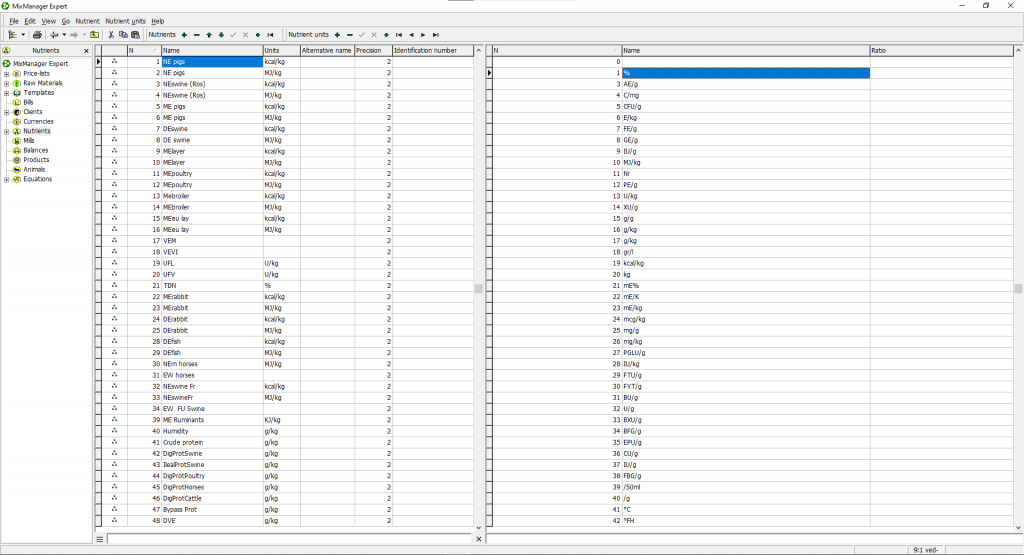
The Nutrients section includes the same filter-mode search as Raw Materials. As you type, the list filters instantly across all available columns — name, units, and number.
How it works:
Click Nutrients in the left-hand panel.
At the bottom of the window, enter any text into the search field.
The list filters automatically, showing all nutrients that match your search across all columns.
Use the burger button (☰) to switch between Filter by all columns, Filter by sorted column, and the classic Search mode.