
MixManager: Raw Materials — Updated Search
In the Raw Materials section, search now works in filter mode by default — results filter live as you type, across every column in the list.
How it works:
- Click Raw Materials in the left-hand panel.
- At the bottom of the window, enter any text into the search field.
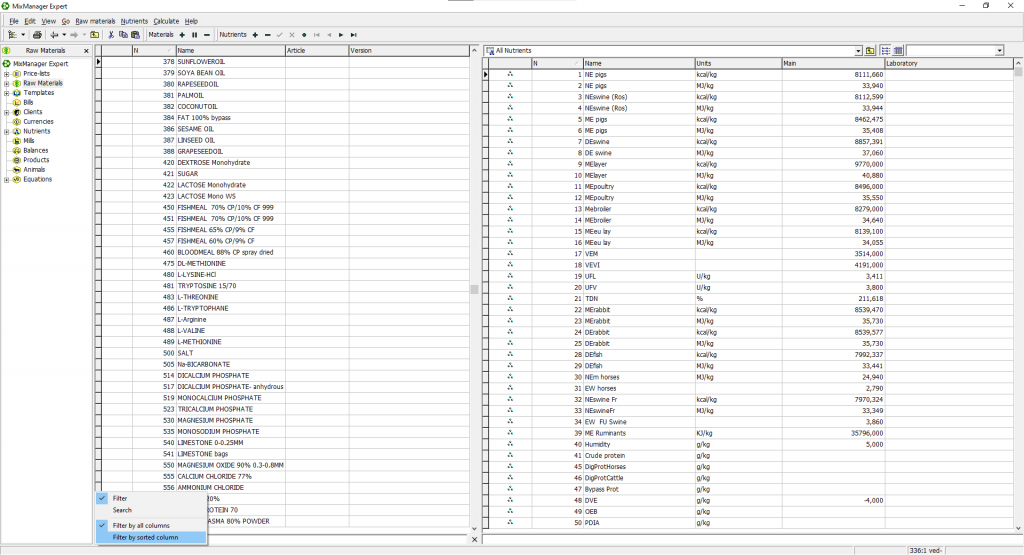
- By default, the list works in Filter by all columns mode — it filters automatically, matching your search across name, number, and article at once.
- To search only within the currently sorted column, click the burger button (☰) and select Filter by sorted column.
- To return to the classic behavior — where the list isn’t filtered and the marker just jumps to the matching record — select Search from the same menu.
📹 Video tutorial: